
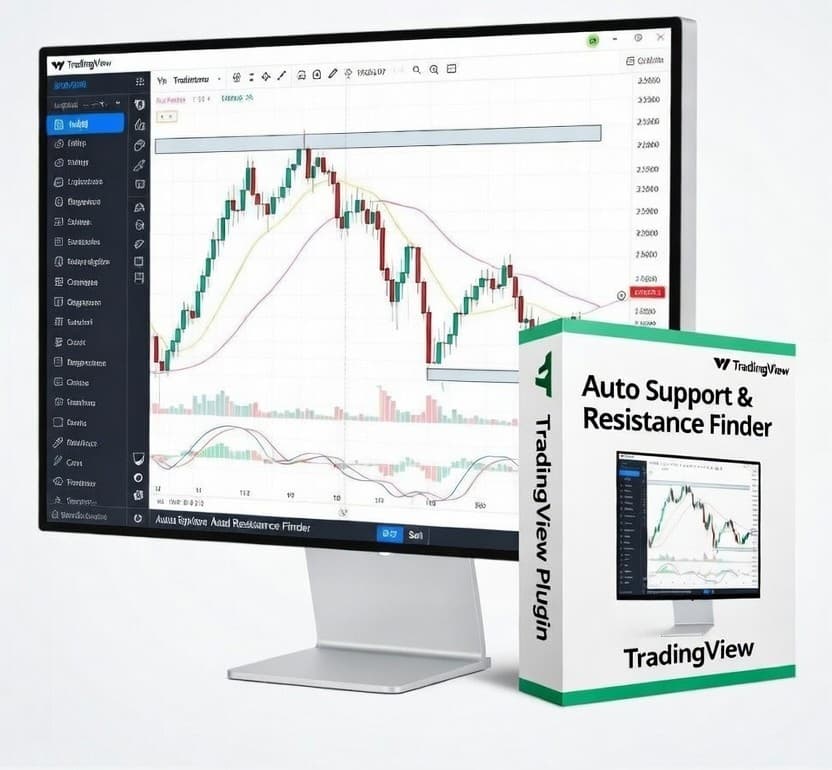
Auto Support & Resistance Finder
Instant S/R zones that update with structure — no manual plotting.
What's Included
Disclaimer: This product is for educational purposes only. Trading involves substantial risk. Past performance does not guarantee future results.
Key Highlights
Built for Execution
Designed to reduce noise and help you make decisions faster — levels, context, and structure in one place.
Clean + Readable
Premium visuals with sensible defaults so you can trade it immediately without over-tuning settings.
Instant Delivery
Download right after checkout (or instantly for free products). Lifetime access included.
How to Install in TradingView
- Download the
.pinefile from the button above. - Open TradingView → Pine Editor.
- Create a new script, then paste the file contents into the editor.
- Click Add to chart.
Tip: if you update the script file later, remove/re-add the indicator to refresh drawings.
Who It's For
Beginners
You want clarity and structure without learning 15 different tools at once.
Active Traders
You need faster reads on context and levels — less chart time, better sessions.
System Builders
You want consistent signals and repeatable rules you can journal and refine.
Frequently Asked Questions
Does this repaint?
Signals are built to be stable and usable in real time. Like all TradingView scripts, visuals update as new bars arrive — but the goal is decision support, not hindsight art.
Will it work on any market?
Yes — Forex, Crypto, Indices, Futures, and Stocks. Some features may behave differently depending on the data TradingView provides for a given symbol.
Do I need a paid TradingView plan?
Not required for basic usage. Some features (like multiple indicators or certain timeframes) depend on your TradingView plan limits.
Category
indicator
Type
Free
Added
February 19, 2026
Last Updated
February 19, 2026